

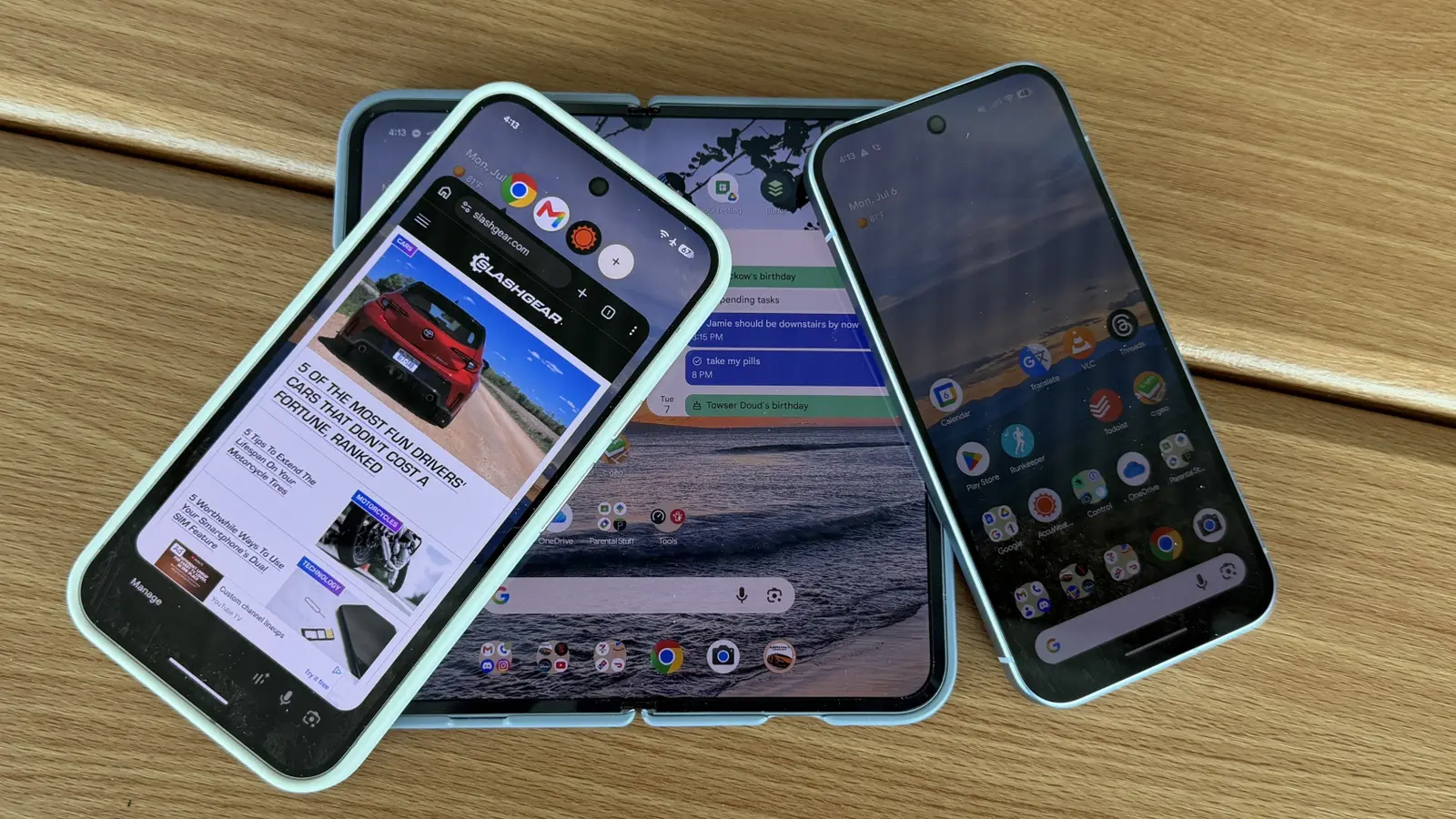
Bubbles: A New Multitasking Paradigm
Android 17 finally brings a feature that many power users have been requesting for years: system-wide app bubbles. Inspired by Facebook's chat heads from 2013, bubbles allow any app to float as a small, draggable icon on the screen. Tapping a bubble opens the app in a resizable window, and a bubble bar at the top lets you quickly switch between up to four open apps. This is a fundamental shift from the traditional linear app-switching experience. For those who frequently jump between messaging, navigation, and note-taking apps, bubbles promise to save time and reduce friction. The implementation is smooth and intuitive, with the ability to dismiss bubbles by dragging them to a clear X at the bottom. While some users may prefer the simplicity of one app at a time, the feature is optional and can be disabled in settings. Google has clearly listened to feedback from the developer community, as bubbles build on the existing notification bubble API that debuted in Android 11, but now extend it to all apps by default.
Foldable Gaming: A New Use for Your Flex
Foldable phones have struggled to find a killer app, but Android 17 may have solved that with a gaming mode that transforms a half-folded device into a mini console. When you partially fold a book-style foldable (like the Google Pixel 10 Pro Fold), the bottom half of the display morphs into a customizable virtual controller, while the top half shows the game. This posture eliminates the need for on-screen buttons that obscure gameplay. The feature works with any game that supports external controllers, and users can remap controls to their liking. It's reminiscent of the Nintendo 3DS, but on a much larger screen. While not yet available at launch, Google has confirmed a rollout in the coming weeks. This could be a game-changer for mobile gamers who want a more immersive experience without carrying a separate controller.
Selfie Screen Recording: Tutorials Made Easy
The built-in screen recorder in Android 17 receives a notable upgrade: the ability to include a selfie camera feed and microphone audio simultaneously. With four toggles—record device audio, record microphone, show selfie camera, and show touches—users can now create comprehensive tutorials or reaction videos without needing third-party apps. The selfie feed appears as a small overlay that can be repositioned, similar to green screen features in TikTok. This is particularly useful for tech support, educational content, or simply showing a friend how to do something with your facial expressions. The feature is well-implemented and integrates seamlessly with the existing screen recorder interface.
Cosmetic and Design Refinements
Android 17 also polishes the user interface with several thoughtful changes. Users can now remove app labels from the home screen icons, decluttering the visual space. The widget picker gains a subtle translucency effect, matching the aesthetic of the app launcher and notification panel. In the Settings app, labels are spaced more tightly, allowing more options to be visible at a glance—a small but appreciated adjustment for settings power users. Additionally, Google has re-separated the Wi-Fi and mobile data toggles in Quick Settings, reversing a controversial merge from Android 12. This gives users faster access to each network without an extra tap. Finally, the persistent search bar at the bottom of the home screen becomes customizable: you can adjust its transparency and even add a third shortcut icon, beyond the standard Google search and voice search. These changes, while minor individually, collectively contribute to a more refined and user-friendly interface.
Beyond these headline features, Android 17 includes numerous under-the-hood optimizations. Battery life has been improved with smarter app standby, and the system now handles background processes more efficiently. The update also strengthens privacy controls, giving users more granular permissions for location and microphone access. For developers, the new APIs for bubbles and foldable modes open up exciting possibilities. Overall, Android 17 is one of the most feature-rich updates in recent memory, catering to multitaskers, gamers, content creators, and those who simply appreciate a well-designed OS. As it rolls out to Pixel devices and later to Samsung and other OEMs, users can look forward to a more versatile and polished Android experience.
Source: SlashGear News