

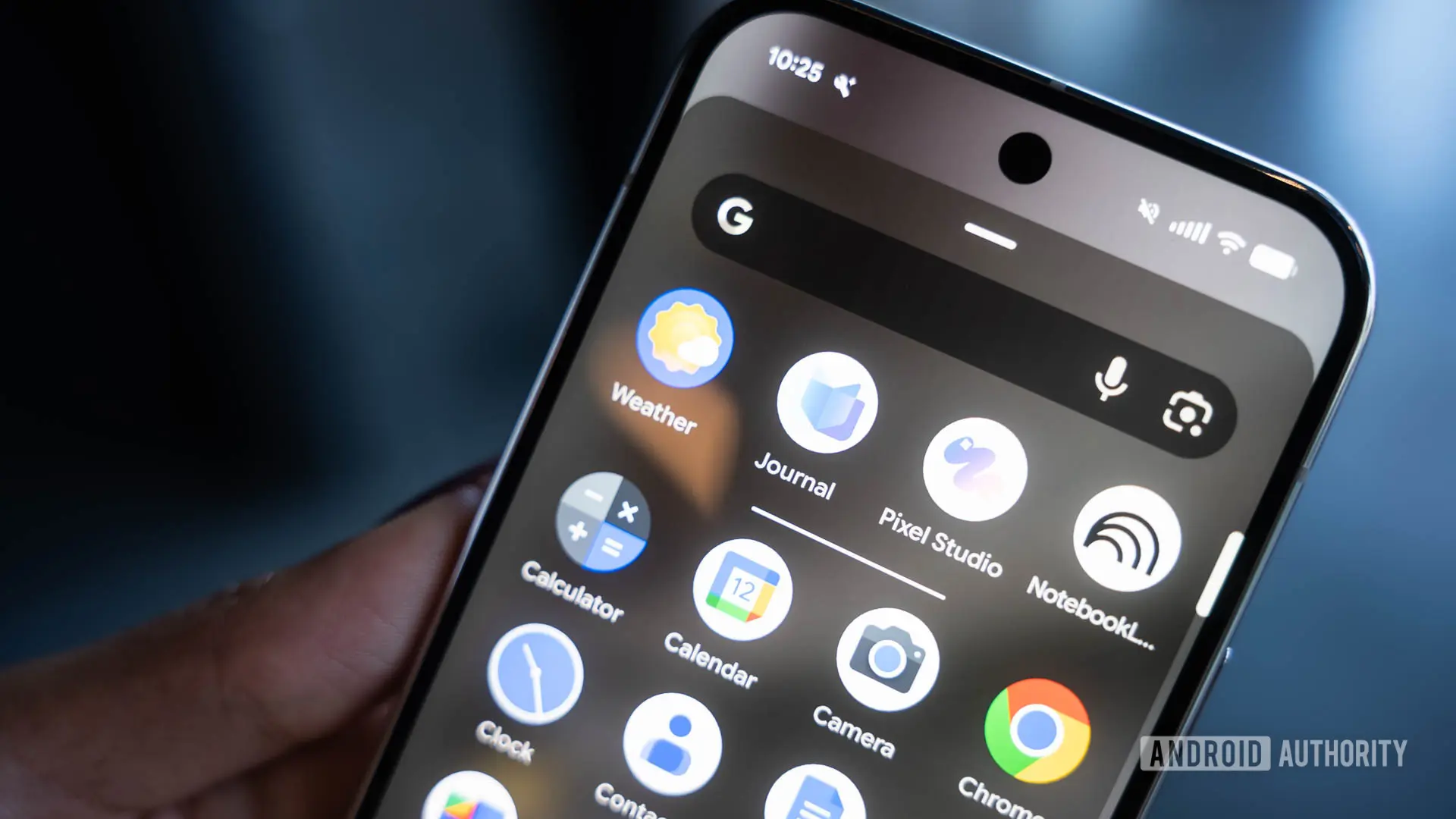
Google's Pixel Journal is still a relatively fresh addition to the Pixel software experience, and the company clearly isn't done refining it. A new version of the app is beginning to roll out to users, bringing several quality-of-life improvements that address common frustrations. However, hidden inside the app's code are signs of something bigger: an AI-powered feature that could soon tidy up your rambling entries after you finish writing or dictating them.
These updates show that Google is listening to how people actually use a journaling app. While the changes are practical on their own, they also set the stage for a smarter, more automated approach to journaling that could be powered by on-device AI.
Customizable Reminders and Media Layouts
The first pair of changes in the latest Pixel Journal update will look familiar to anyone who has been following the app's development. A previous teardown of the app revealed that Google was testing customizable reminder times, as well as new layout options for photos and videos. Both features are now officially rolling out to all users.
Reminders in Pixel Journal can now be scheduled for morning, afternoon, or evening. The app displays approximate times of 7 AM, 2 PM, and 9 PM for each period, giving users a simple way to choose when they want to be nudged. This is a welcome improvement over a fixed reminder time, since journaling habits vary widely. Some people prefer to write first thing in the morning, while others want to reflect on the day at night.
The media layout settings are equally useful. Users can now choose between a Compact arrangement, which groups images together in a more condensed view, and a Full layout, which gives individual photos and videos more space to breathe. This means you can decide whether your visual memories take center stage or stay tucked neatly between text entries. The choice may seem minor, but it significantly changes how a journal entry feels when you revisit it later.
Safer Deletion Is Finally Here
One of the most important updates in this rollout is a change to how deletions work. Previously, tapping the delete button in Pixel Journal immediately removed an entry with no confirmation and no way to undo it. That was risky for an app designed to hold personal thoughts, memories, and daily reflections. Losing an entry to a single accidental tap could be devastating.
The updated behavior adds a confirmation prompt before deletion. After you confirm, the app offers a brief Undo option for about five to ten seconds. This gives users a safety net that most other note-taking and journaling apps already provide. It's a small change, but it reflects a more thoughtful approach to handling sensitive user data.
Given the deeply personal nature of journaling, a safety net like this feels overdue. Whether you accidentally hit the wrong button or simply change your mind after deleting, the Undo window offers a moment to recover. This is the kind of friction that improves user experience by preventing irreversible mistakes.
Health Connect Sleep Data Expands Inspiration
Pixel Journal is also expanding the types of data it can pull from Health Connect to provide personalized writing prompts and inspiration. The app already uses activity information, such as steps, exercise, and other physical activity, to suggest topics. With this update, Pixel Journal will ask for permission to read sleep data as well.
Health Connect treats Activity and Sleep as separate data categories, so granting access to one does not automatically grant access to the other. Users will need to explicitly allow Pixel Journal to read sleep information. Once enabled, the app could combine your sleep patterns with existing activity data to generate more thoughtful and relevant writing suggestions.
Sleep is a common journaling topic for many people. How well you rested, whether you woke up in the middle of the night, or how energetic you felt in the morning are frequent subjects of personal reflection. By incorporating this data, Pixel Journal can become more attuned to your daily rhythms and provide prompts that feel genuinely useful.
This expansion also hints at Google's broader health and wellness strategy. Connecting a journaling app to health data is a natural step in creating an ecosystem of apps that help users understand how their habits affect their well-being. With sleep data flowing into Pixel Journal, users may be able to spot patterns between their rest and their mood, productivity, or overall outlook.
Auto Format: An AI-Powered Cleanup Feature in the Works
The most intriguing discovery from the latest teardown is an in-development feature called Auto format. Strings inside the app reveal that Google is preparing a tool that would use AI to clean up journal entries after you have finished writing or dictating them. This goes beyond simple spell-checking or grammar correction. The goal appears to be helping users transform rambling notes into more polished, structured journal entries.
The app strings include the following lines:
- Auto format
- Once you’re done speaking or typing, auto format can clean up your entry
- Expressive
- Simple
- You need to write at least {count} words to auto format an entry in expressive mode.
- You need to write at least {count} words to auto format an entry in simple mode.
The second string is the most revealing. It confirms that Auto format will work after you've finished an entry, rather than interfering while you're in the middle of writing. This is likely a deliberate design choice. Journaling is often informal, messy, and deeply personal. The last thing people want is an AI rewriting their words in real time as they type. Instead, Auto format would step in as a separate action, giving users control over when and how their entry gets tidied up.
Simple vs. Expressive Modes
The strings also point to at least two formatting modes: Simple and Expressive. Google hasn't explained exactly what separates them, but the names offer a strong hint.
Simple mode likely preserves your original wording as much as possible. It may clean up the structure, fix obvious errors, and make the entry easier to read without changing your voice or adding new content. This would be particularly useful for dictation, where speech-to-text often introduces awkward phrasing, repetitive words, or punctuation issues. Simple mode would smooth out those rough edges while keeping your entry recognizable as your own.
Expressive mode, on the other hand, may take more creative liberties. It could add descriptive flourishes, reorganize the flow, or make the language more vivid and engaging. The idea is that your initial entry, which might be a quick brain dump at 11 PM, could be transformed into a rich, reflective passage filled with detail and personality. The trade-off is that Expressive mode might change your words more significantly, which could be surprising if you weren't expecting it.
Both modes appear to have a word-count requirement. The strings mention a minimum number of words before Auto format can be used, with separate thresholds for Simple and Expressive. The exact counts haven't been revealed, but the existence of a threshold suggests a practical reason behind it. AI models need enough context to understand the meaning and intent of an entry. A one-sentence note like “Busy day” offers little to work with, and trying to polish or expand it could result in the AI fabricating details or adding unnecessary embellishment.
Setting a minimum word count also prevents the feature from being overused on tiny entries that don't need formatting. It encourages users to write at least a few sentences before asking the AI to work its magic. This is a sensible design decision, even if it might feel restrictive for people who prefer to keep their journal entries brief.
Why Auto Format Could Become a Key Pixel Journal Feature
The potential of Auto format extends beyond convenience. For many people, journaling is a habit that becomes easier with practice but harder to maintain when life gets busy. There are plenty of days when you have thoughts worth capturing but no energy to arrange them into a polished entry. Auto format could help bridge that gap.
If you dictate a rapid string of thoughts while walking or commuting, the app could clean up the transcription and turn it into a coherent paragraph. If you type a stream-of-consciousness reflection late at night, Expressive mode might transform it into a beautiful entry that you're proud to read later. This could make Pixel Journal more useful for people who aren't natural writers but still want a well-kept journal.
It also points to Google's increasing investment in on-device AI features. Pixel Journal is just one app, but its adoption of AI-powered tools suggests that Google is looking for ways to make AI feel helpful in everyday contexts, not just in standalone assistants or chat apps. The fact that this feature is being built directly into a journaling app shows that Google is thinking about how AI can enhance both productivity and emotional expression.
AI-generated polish also raises interesting questions about authenticity. If the Expressive mode rewrites your entry in a way that feels more vivid or articulate, is it still your journaling voice? For some users, the answer may be yes, because the AI is working from their original thoughts. For others, the very act of journaling is about recording words exactly as they occur in the mind, and an AI rewrite could feel intrusive. Google will likely need to offer clear controls and transparent disclosure about what Auto format does to an entry.
The fact that there are two distinct modes seems designed to address this tension. Simple mode offers a moderate option that preserves your voice, while Expressive mode is there for users who want a more dramatic transformation. Giving users the choice is a smart approach.
As with any feature uncovered in a teardown, there's no guarantee that Auto format will make it to a stable public release. Work-in-progress code doesn't always reach production. However, the presence of detailed user-facing strings indicates that the feature is well past the early conceptual stage. It's being thoughtfully designed and localized, which usually points to a strong intention to launch.
For now, the rolling updates are a good sign. Pixel Journal appears to be getting the attention it deserves, with practical fixes arriving alongside more ambitious projects. If Auto format does arrive as expected, it could become one of the most compelling reasons to use Pixel Journal instead of a generic notes app or a third-party journaling tool.
Sleep data integration, customizable reminders, and safer deletion all solve real problems. But the promise of an AI assistant that helps you preserve and polish your daily reflections feels like the kind of innovation that could define the next era of personal journaling. As Google continues to refine its Pixel ecosystem, features like these show how a simple app can evolve into a thoughtful, intelligent companion for capturing and understanding your own life.
While we wait for official confirmation and more details on the word-count thresholds and mode differences, one thing is clear: Pixel Journal is not standing still. The app is steadily becoming more capable, more personalized, and more aligned with the modern expectation that software should adapt to you, not the other way around. Whether you're a new journaler or someone looking to build a regular practice, these updates are worth exploring.
Source: Android Authority News