

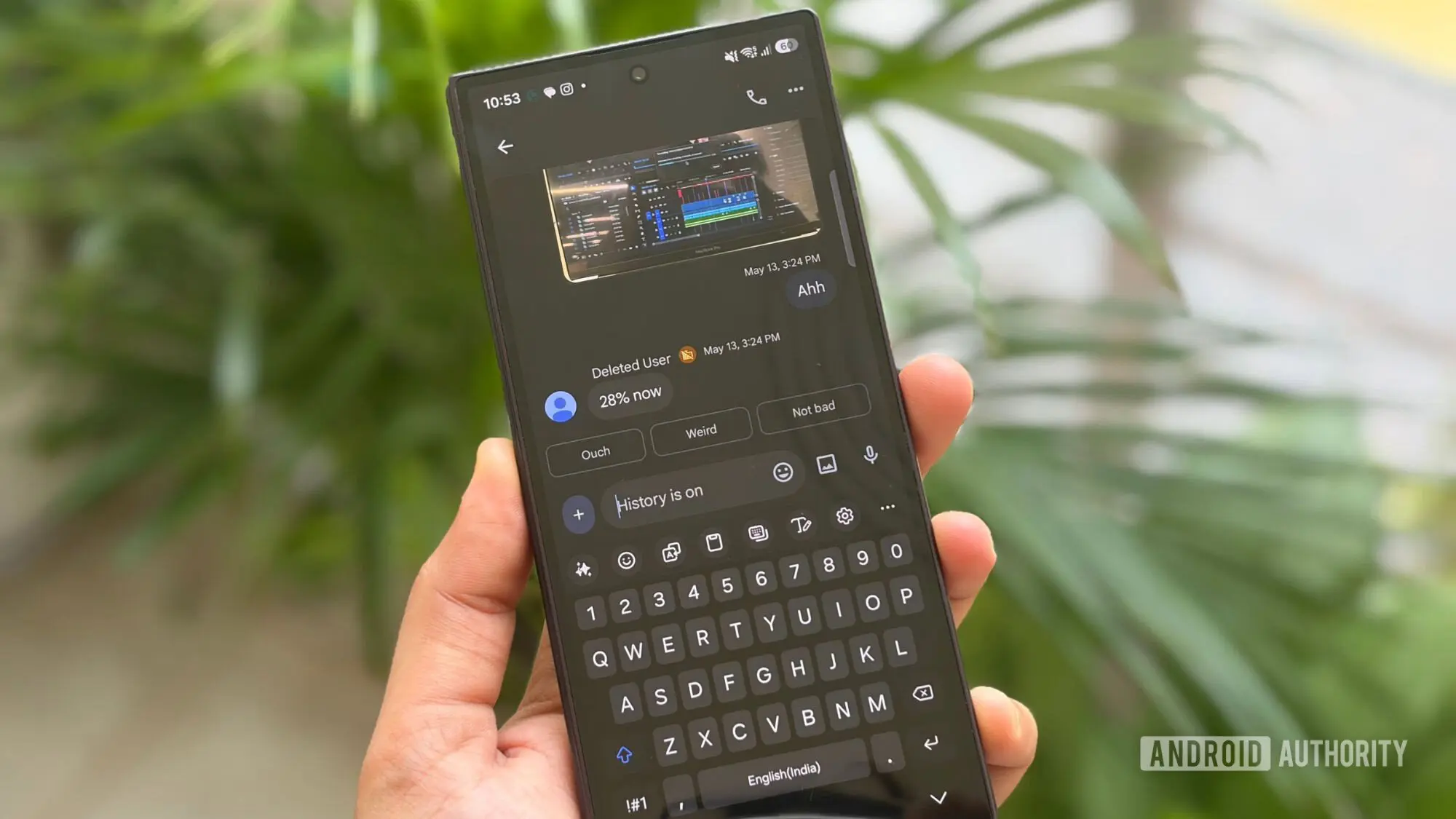
An End to Lost Drafts
Google Chat is finally catching up with one of the most basic expectations of modern messaging and workplace tools: unfinished messages should not disappear. For years, users have experienced the frustration of writing out a thought, getting interrupted, and then returning to find the draft gone. Now Chat is introducing persistent drafts, which keep an unsent message saved in the compose box until the user is ready to complete and send it.
This change addresses one of the most common pain points for people who rely on Chat in their professional day. Work is full of interruptions. A project update may require careful wording, or a response to a colleague may need to wait until more information arrives. In the past, leaving the Chat window open in the same state, or navigating to another conversation, could cost a user their entire half-written message. That not only wastes time but also creates friction in communication.
What Are Persistent Drafts in Google Chat?
Persistent drafts mean that text typed into the compose field is automatically saved whether or not the message is sent. When a user begins typing and decides to leave the conversation or close Chat, the unfinished text will remain stored. When they come back to the conversation, they can resume exactly where they left off. This applies even when the device is restarted, which is a significant improvement over the ephemeral behavior users experienced before.
The system does not lump all unsent text into one general storage area. Instead, Google Chat saves a separate draft for each conversation. A user who is working on multiple threads can have a personalized update sitting in one chat and feedback on a document sitting in another, each kept independently until ready to be sent. This organization avoids confusion and ensures that a draft is always in the context where it was originally written.
A new Drafts shortcut is also being introduced. This shortcut collects all unfinished messages in one place so users can quickly see which conversations still need a response. For people who juggle many responsibilities, this is helpful because a draft can easily slip from memory when a meeting or an urgent request drags attention away. The shortcut turns a forgotten half-message into a visible task that can be reopened and finished later. Drafts will remain available for up to 30 days, giving users a generous window to return to their work.
Why Syncing Across Devices Matters
Perhaps the most promising element of this update is cross-device synchronization. Many workers begin a task at their desk and then continue it while moving to another room, commuting, or checking in from a phone. With the old limitations, a draft started on a desktop web browser could not be carried over to mobile. If a user had to step away, they were forced to manually copy their text to another note or email it to themselves. That is inefficient and increases the chance of losing the message through copy-and-paste mistakes.
Now, drafts sync across the web, Android, and iOS. A user can leave a message half-written in a browser tab and later open Google Chat on an Android phone or iPhone to continue typing. There is no need to transfer text manually or wonder which version is the latest one. The sync happens in the background, and because Google is storing the draft alongside the conversation, the experience is consistent across platforms.
This cross-platform support is particularly important in the current work environment, where many people divide their time between a desktop workstation and a mobile device. It also helps users who switch devices during the day because of meetings, travel, or job responsibilities.
How the Rollout Works
Google has started rolling out persistent drafts to users on the web. The company has not made every optional setting or feature change at once; instead, it is staged over time. The Android and iOS rollout is expected to proceed gradually over a couple of weeks and should be completed by September 28. Once the rollout reaches an account, users should be able to take advantage of the new feature without changing any complicated settings.
Persistent drafts will be available to a wide range of Google users. This includes Google Workspace customers, Workspace Individual subscribers, and people using personal Google accounts. The broad availability means that many users, from corporate teams to independent professionals, will be able to protect their unfinished messages.
A Familiar Concept That Was Missing
Persistent drafts are not a new invention. Email services have allowed people to store drafts for decades. Many productivity tools, note-taking apps, and content creation platforms also automatically preserve user input. The reason people expect such behavior is simple: once text is typed, it should not vanish because the user is interrupted or briefly moved to another screen. Losing a thoughtful message can be more than an inconvenience. It can lead to inconsistent communication, repeated work, and additional stress.
When Google Workspace became the home of Google Chat, the platform went through multiple transitions. Chat grew out of the enterprise features available in Google Hangouts and later became a more dedicated service. Over time, Google added tighter integrations with Google Meet, Docs, Drive, and other Workspace applications, making Chat a more central hub for collaboration. However, the absence of reliable drafts remained a noticeable gap. Users could often be seen cautioning one another to write longer messages elsewhere before pasting them into Chat.
With the introduction of persistent drafts, Google is acknowledging that message writing is not always a single, uninterrupted event. Professionals frequently need to shape a message over multiple sittings, particularly when discussing delicate topics, providing performance feedback, or making detailed requests. The new feature gives those users a much safer environment for composing thoughtful replies.
Potential Impact on Communication Workflows
When a draft is automatically kept, users are more likely to begin composing messages directly in Chat rather than relying on external text editors. That is a meaningful workflow shift. Drafting a long project status update in a separate document, copying it into a chat window, and then realizing that a detail was missed is cumbersome. Keeping drafts in the chat interface removes an unnecessary layer of friction.
For teams, the possibility of returning to a half-written message after a quick check of another conversation is significant. Chat is highly interactive. A notification might arrive in the middle of a sentence, or a colleague might walk over to ask a question. Before persistent drafts, users had to decide whether to continue typing while distracted or risk losing their work by navigating elsewhere. Both options are undesirable. The draft feature lets them step away from a message and deal with the interruption, knowing that work will be waiting for them when they return.
The Drafts shortcut also turns drafts into actionable items. Instead of scrolling through every conversation to see which one had an unfinished response, users can consult the dedicated list. That saves time and reduces the mental burden of remembering which message was not completed. Given the 30-day retention, even drafts that have been set aside for a long time can still be recovered. This is especially useful for tasks that depend on information arriving from another person, a report that is not finished yet, or a decision that is still pending.
What the Feature Does Not Include
Google Chat's persistent drafts are designed for individual use on a particular account. Since drafts sync to the account, they will be associated with the signed-in user rather than a shared device. This makes sense for a productivity tool, but it also means that users sharing a computer or signing in and out of Chat should still be cautious. The draft will belong to the Google account that started it, and the user will need to be signed in to that account to access it. It is also important to trust the security of the device and the Google account because unsaved drafts are content that may include sensitive information.
The details are not the same as an official submission or a note-taking function. These are draft messages only, and they stay in the Chat input area. They cannot be used for sophisticated document organization or project management. However, as a safeguard for unfinished text in a chat tool, the feature covers the core need well.
With this rollout, Google Chat aligns itself more closely with user expectations in the broader messaging and productivity landscape. The ability to retain an unfinished message, return to it later, and move between devices is not an extravagant feature. It is the kind of basic reliability that should have been available long ago. Now that it is being added, Chat becomes a slightly more dependable companion for everyday work.
Source: Android Authority News