

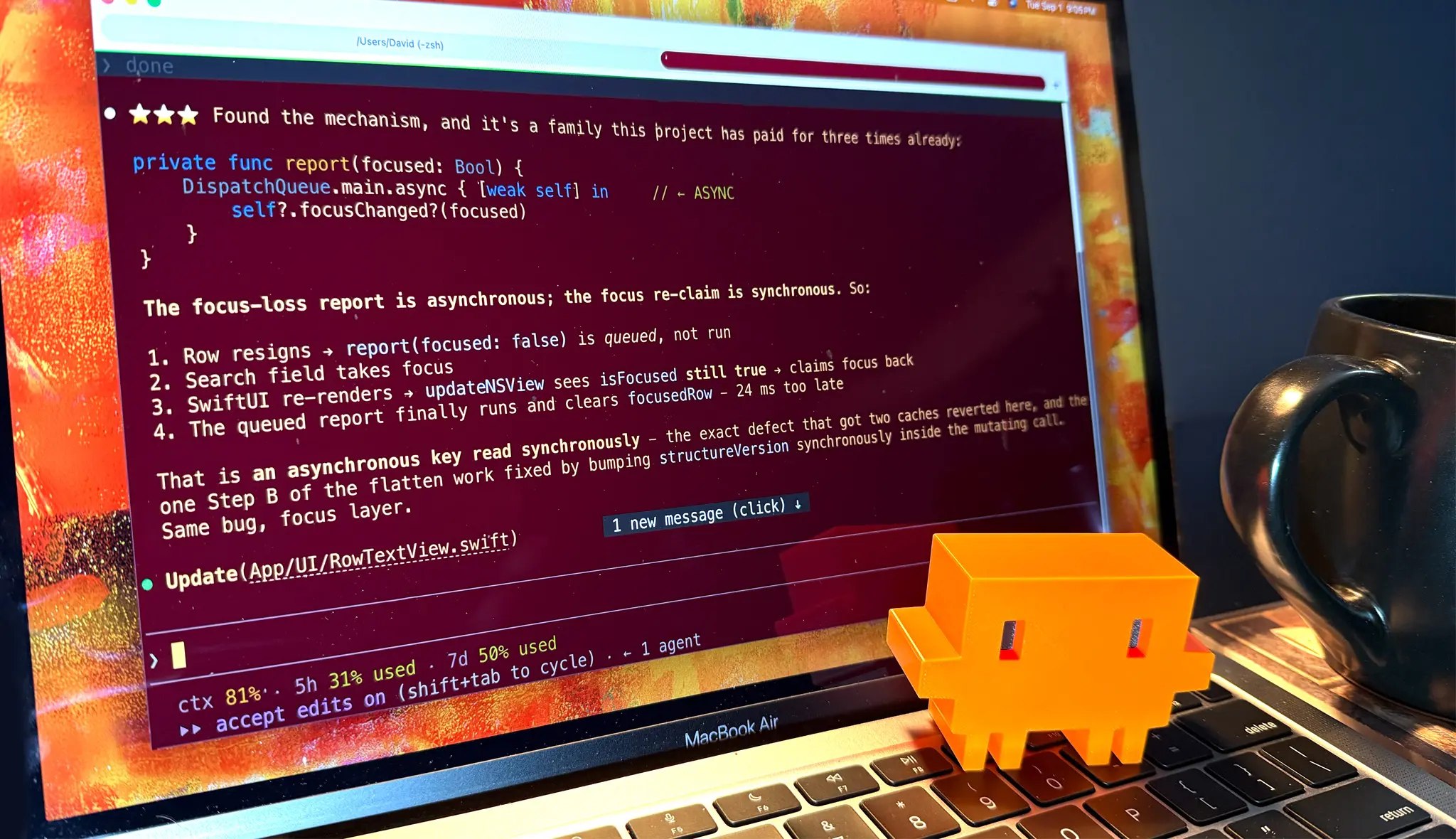
There is no denying it: vibe coding is a rush. Describing a product idea to an AI and watching an application assemble itself on screen feels magical and, at times, addictive. The early moments of a project are particularly seductive. You arrive with feature ideas, the model turns them into code, and the prototype grows in minutes. For a brief period, the path from thought to software seems friction-free.
But the glow rarely survives contact with a serious bug. Outside the simplest of apps, the approach is not sustainable without engineering discipline. A beautiful feature-creation session can turn into a weekend of reproduced errors, tangled logs, and a long back-and-forth between the human and the model. One recent project tells the story.
The project started as a custom Mac list manager. There were already plenty of list managers on the market, but none matched the exact workflow needed. So the plan was simple: use an AI coding tool to build a bespoke utility that would look and work precisely as intended. The first ten days were glorious. Feature after feature appeared between ordinary work sessions, and the app gradually began to resemble the product in my head. Then, while scrolling down a fairly large list for the first time, the unthinkable happened: the Spinning Beachball of Death.
For Mac users, the beachball cursor is a familiar symbol. It appears when an application is busy. On older machines, it was a regular part of daily life because processors were slower and apps needed time to work through tasks. On modern Apple Silicon hardware, however, a persistent spinning beachball usually signals that an application is struggling with something serious. When the cursor never stops spinning and the interface becomes unresponsive, it is called the Spinning Beachball of Death. That is what hit the new list manager after the app had run beautifully for days.
An intermittent enemy
The first bug report was simple: the app has hung. The AI assistant went digging through the code and found nothing. Restarting the app cleared the problem, but it soon came back. This kind of intermittent issue is the bane of every programmer. A bug that refuses to appear on command cannot be understood, and a coding assistant cannot fix what it cannot find. Even an AI model with deep knowledge of SwiftUI and Apple’s development frameworks is helpless without a reliable reproduction path.
The search for that reproduction path took roughly two-thirds of a Saturday. The app would only hang on a specific list, and only after switching from another particular list. Tracking down that trigger required hours of careful manual testing. The experience felt nothing like the popular image of vibe coding, in which one prompt is supposed to produce a finished app. It was work. Reproducing the bug was still only half of the battle. The other half was finding the underlying cause, and that consumed the rest of Saturday and all of Sunday.
Context and memory limits
Agentic coding models work under strict constraints. The first is the context window. Context is roughly equivalent to the model’s working memory, but it is filled with tokens rather than bytes. As a session continues, the context fills with code, logging output, explanations, and previous attempts. The more cluttered the session becomes, the harder the model has to work to process new information. A helpful analogy is a clean desk that gradually becomes covered with the remains of five previous projects.
Because no one wants to lose months of project context, developers save memory files that let the AI pick up where it left off after a reset. Those memory files grow longer with every hour spent on a problem. Eventually, a session begins by reading so much saved context that half of the available capacity is already consumed. The second constraint is usage allocation. Service subscriptions are metered by the amount of AI processing used within five hours and within a week. Exceeding the cap can leave a developer frozen in the middle of a debugging session until the next time window opens, or force an upgrade to a more expensive plan.
Debugging as a team sport
Debugging turned out to be a team effort. The AI proposed fixes, compiled the application, and in some cases launched it to test internal operations. For components that could not be touched through a virtual interface, a human had to run the app, click through screens, and confirm whether the latest patch had made a difference. The process went back and forth through an entire weekend until the freeze was eventually resolved. None of that manual work was glamorous, but it was necessary.
The episode reinforced a key lesson: an AI that writes code quickly is not an AI that understands a product. It also demonstrated why architecture, testing, and design still require a human with experience.
Learning to be a jockey
Show jumping offers a useful comparison. A horse is a remarkable athlete with an intuitive feel for jumping. The jockey cannot physically carry the animal over a fence, but the jockey manages pace, balance, rhythm, and strategy so the horse arrives at the barrier correctly and lands safely. The horse does the athletic work; the jockey makes that work useful. AI-assisted coding works the same way. The model can generate impressive code, but it needs guidance about what to build, why to build it, and how the pieces should fit together.
One small example came when the list manager needed a search function. The AI initially chose an approach that would re-read and re-index every document every time the app loaded. It also tried to scroll through hundreds of pages before showing the requested line. These are the kinds of mistakes that emerge when a model has no feel for user expectations or long-term performance. A developer with experience can steer the model toward building index tables and reconstructing a view around the found item. A newcomer who believes the AI will make all technical decisions might never realize how bad those early choices were.
The model also tried to guess the cause of a bug before re-reading the relevant code. It had to be instructed repeatedly to inspect the actual source, add logging, and analyze the logs to determine what was happening. That type of supervision is not optional. It is the heart of the engineering work.
The post-rush drop
There is another hidden cost to the process: the crash that follows creative flow. Vibe coding can produce a genuine flow state, complete with endorphins and dopamine. But when the flow breaks, a post-flow drop sets in. Neurotransmitter stores run low, and the brain can feel fatigued and overstimulated. For developers, that is usually when the real work starts. They still need to make the software reliable, test it, clean up after the AI, and fix one bug after another.
For people without development experience, the situation is more difficult. A coder can guide the AI toward better decisions and prevent it from leaving traps in the codebase. A non-developer has nothing to guide the model with. They can only strap themselves to the horse, yell giddy-up, and hope the ride does not end in a crash.
A productivity paradox
Vibe coding can be a genuine force multiplier. A model may write code 10 times or even 100 times faster than a person can type. But writing new code is not the bottleneck in a mature project. Testing, debugging, tuning, and hardening take most of the time. In that phase, the AI does not remove the effort. It simply creates a different kind of work: the work of discovering what the AI did, figuring out why it did it, and verifying that the result behaves correctly.
The numbers illustrate the gap between the myth and the reality. In the list manager project, roughly 1,392 individual prompts were needed to reach a point about one third of the way through the app. Of those, 312 were dedicated to diagnosing the freeze. That is hundreds of prompts for a single bug. The math shows why the “million-dollar app from one prompt” fantasy is misleading. A useful product is still the sum of many small decisions, tests, and corrections. The AI can execute those steps quickly, but someone still has to set the direction and verify the result.
Vibe coding is magical. It is also not an escape from software engineering. The best outcome comes when a person with real-world development experience uses the AI as a partner, guiding it with the same care a jockey uses to steer a powerful horse. For anyone thinking of leaning entirely on an AI assistant, the weekend debugging sessions are part of the price. The code may flow quickly, but the product still needs someone willing to ride through the messy parts.
Source: ZDNET News