

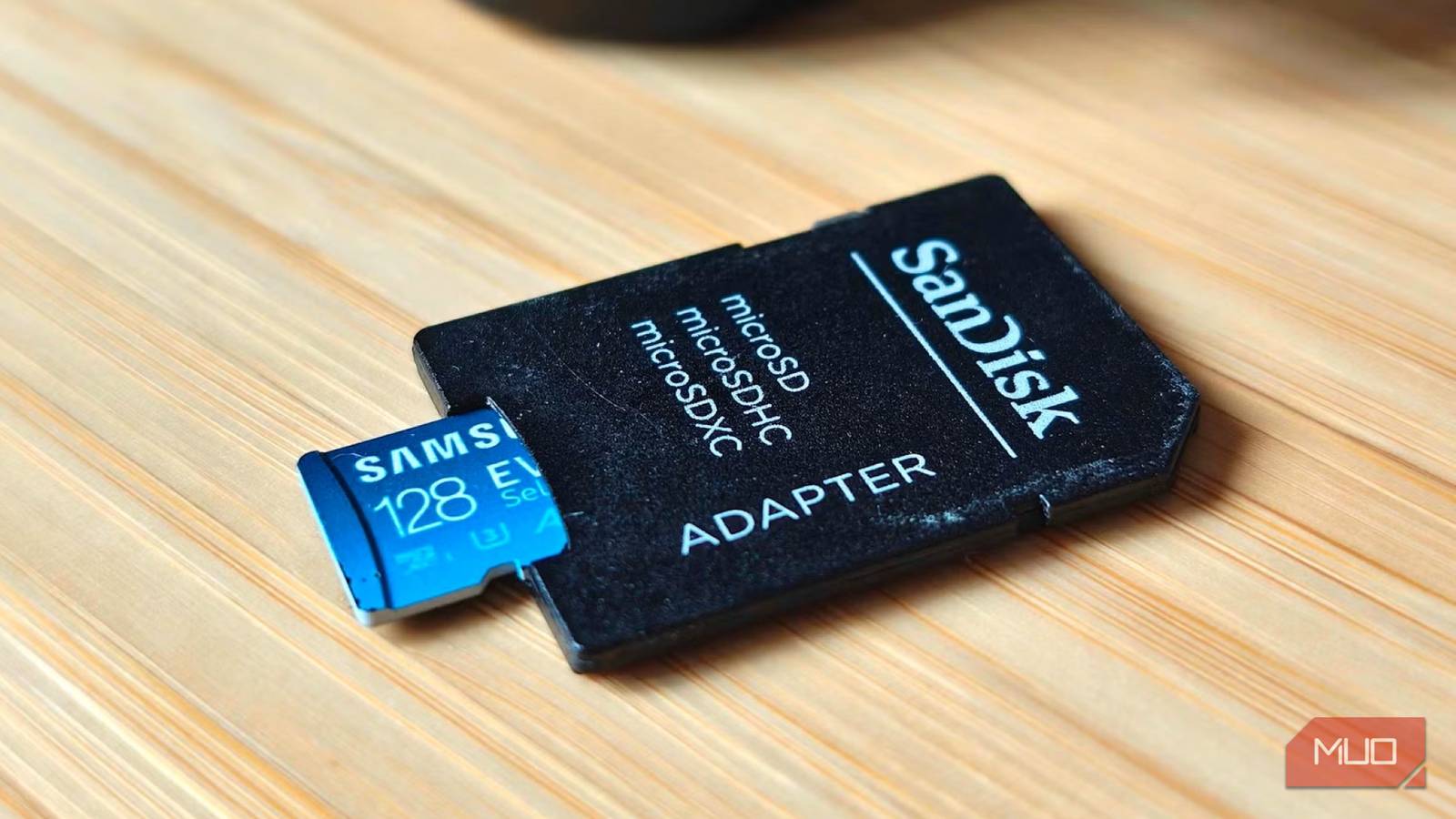
SD cards are among the most widely used storage solutions, found in everything from digital cameras and smartphones to drones, dashcams, and handheld gaming consoles. Their small size and high capacity make them incredibly convenient, but they also come with inherent risks. Unlike internal drives, SD cards are more susceptible to physical damage, wear-and-tear from repeated use, and sudden failure. Fortunately, failure rarely happens without warning. By understanding the key signs, you can act before losing your valuable data.
The Vulnerable Nature of SD Cards
SD cards (Secure Digital) were first introduced in 1999 by Panasonic, SanDisk, and Toshiba. Over the years, they evolved from the standard SD to SDHC (High Capacity) and SDXC (Extended Capacity), with microSD variants for mobile devices. Despite these advances, the underlying flash memory technology has a finite lifespan. Each memory cell can sustain only a limited number of program/erase cycles, typically between 3,000 and 10,000 for consumer-grade cards. Additionally, SD cards lack the error correction and wear-leveling algorithms found in modern SSDs, making them more prone to data corruption when they begin to degrade. Environmental factors like heat, moisture, and static electricity further accelerate deterioration. Recognizing the early signs of failure is essential for any user who relies on these small but powerful devices.
Physical Wear and Tear Is the First Warning Sign
A Battered SD Card Shouldn't Be Trusted
Physical damage is often the most obvious red flag. SD cards are designed to be robust, but they are not indestructible. A simple drop onto a hard floor can crack the plastic housing or dislodge internal components. Repeated insertion and removal from card readers, cameras, or phones can wear down the contact pins, leading to intermittent connections. Over time, you may notice discoloration, corrosion near the metal contacts, or even visible cracks. Even if the card still works after such damage, its reliability is severely compromised. The internal traces may be fractured, causing unpredictable behavior. If you notice any physical defects, immediately back up the data and retire the card. Do not risk storing new data on a physically damaged SD card.
Missing or Corrupted Files Are a Major Red Flag
It's Never Random
One of the earliest and most alarming signs is when files suddenly become unreadable or disappear. You might try to open a photo and see a generic error message, or a video stops playing after a few seconds. Entire folders may vanish, only to reappear after a reboot. This erratic behavior is caused by failing memory cells that can no longer retain data reliably. Unlike mechanical hard drives, flash memory does not show gradual slowdowns; instead, it exhibits sudden data degradation. When you encounter corrupted files, it's tempting to blame the device or software, but the SD card is often the culprit. Run a check using the device's built-in error checking tool, but do not assume the problem is minor. If you have backups, restore them and replace the card.
Saving or Transferring Files Becomes Hit-or-Miss
Don't Ignore Those Errors
When an SD card starts struggling with basic operations, it's a clear signal of impending failure. Saving a new file to the card may take longer than usual or fail entirely. Copying files from the card to a computer might stall at a random percentage, or the transfer might succeed but produce a corrupted copy. In some cases, the card may allow writing but later report that the file is unreadable. These inconsistencies often arise from wear leveling exhaustion or defective blocks. While a faulty card reader or cable can sometimes cause similar symptoms, the simplest way to isolate the issue is to test the card in another device. If the problem persists across multiple readers or cameras, the SD card is likely failing. Immediately stop using the card and attempt to copy all important data to a healthy storage medium.
Detection Problems Usually Mean Trouble Is Coming
Format Prompts Are Rarely a Good Sign
A failing SD card often becomes invisible to the operating system or prompts unexpected messages. Your camera may show a blank slot, or your computer may report that the card needs to be formatted before use. You might see a message stating the card has 0 bytes of capacity or that the disk is write-protected even when the lock slider is unlocked. These symptoms indicate that the card's file system has become corrupted or that the controller circuitry is damaged. Sometimes the card works in one device but not another, which can be confusing. However, format prompts are a serious warning. Never format a card that contains data you haven't backed up, as formatting can make recovery much harder. Instead, attempt to read the card using specialized recovery software on a desktop computer. If that fails, professional data recovery may be an option, but it is expensive and not always successful.
How to Proactively Protect Your Data
Given the inherent risks of SD cards, reliance on them as primary storage is not recommended. Always treat them as temporary or secondary storage. Implement the 3-2-1 backup rule: keep at least three copies of your important data, on two different types of storage media (e.g., internal hard drive and cloud storage), with one copy stored offsite. For photographers and videographers, quickly transfer files from SD cards to a computer or external hard drive as soon as possible after capturing. Use reputable brands like SanDisk, Samsung, or Lexar, but remember that even premium cards can fail. Periodically test your SD cards using tools like H2testw or CrystalDiskMark to verify their read/write speeds and check for bad sectors. If a card shows any of the warning signs discussed, replace it immediately. The cost of a new card is far lower than the cost of lost memories or important data.
SD cards have a finite lifespan and will inevitably fail. By staying alert to physical damage, file corruption, transfer errors, and detection issues, you can take timely action. The best approach is to assume every SD card will eventually fail and plan your backup strategy accordingly. There is no substitute for redundancy when it comes to digital data preservation.
Source: MakeUseOf News