

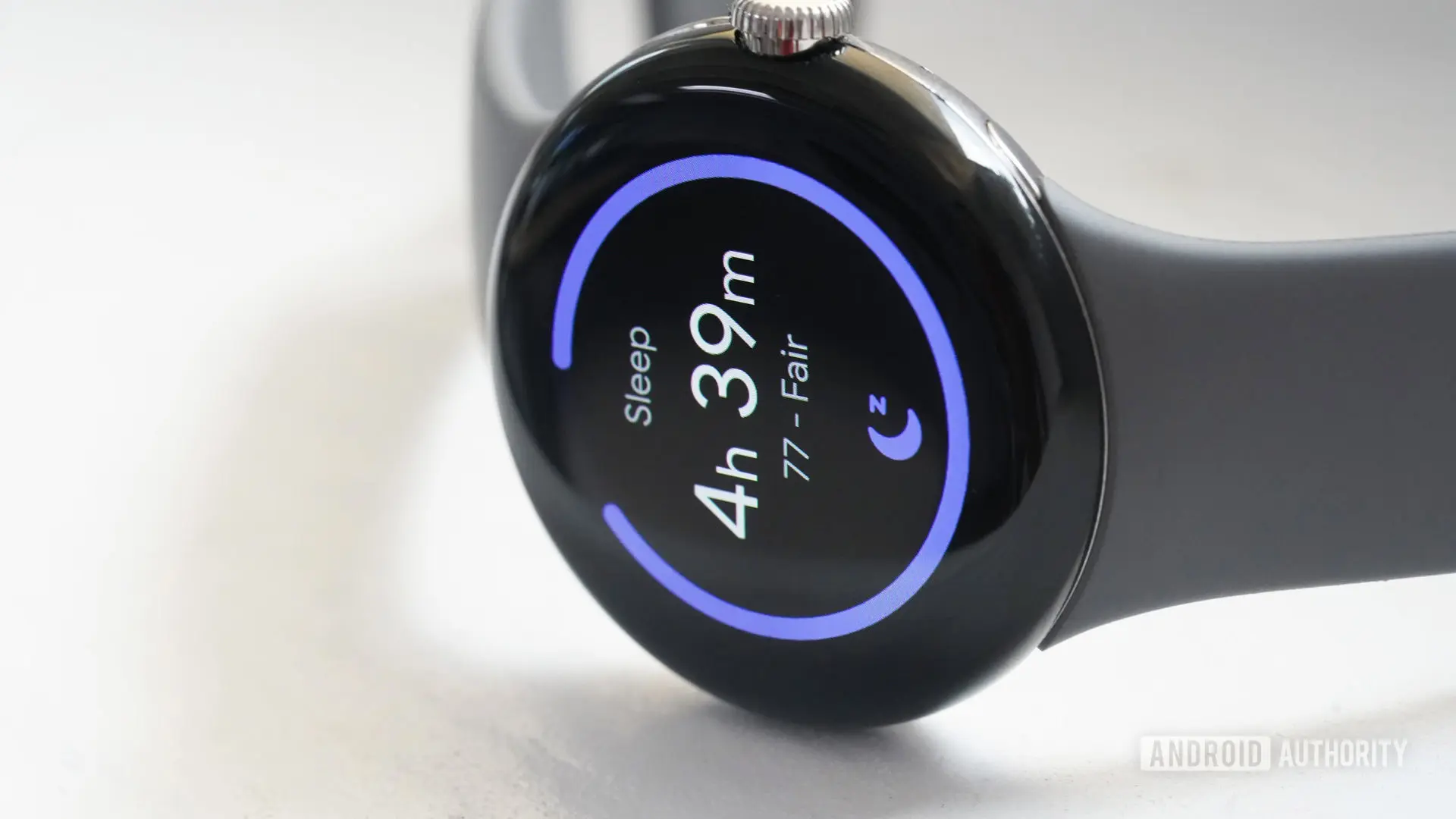
One of the Pixel Watch’s most touted features is its sleep tracking capability. From monitoring time spent awake throughout the night to calculating a daily sleep score, the data collected by Google’s smartwatch is designed to help users adjust their sleep habits and improve overall health. However, when that data suddenly becomes invisible on the watch itself, the benefits quickly evaporate.
Over the past several days, a growing number of Pixel Watch owners have reported that their devices are no longer displaying sleep statistics on the wrist. Instead of seeing their sleep stages, scores, and duration, users are greeted by a notification that reads: “No recent data. Wear your watch to sleep.” The message appears even after users have worn the watch to bed throughout the night.
The issue was first brought to light by a Pixel Watch owner on Reddit. The user described the problem as having persisted for multiple days, despite repeated attempts to restart the watch or re-sync with the phone. Crucially, the sleep tracking system itself does not appear to be broken: the same data that is missing from the watch is still showing up in the Fitbit mobile app on the paired smartphone. This discrepancy suggests the bug is limited to the communication or display layer on the watch itself.
Other Pixel Watch owners quickly piled on after the initial post. Based on comments across Reddit and other forums, the bug is primarily affecting users of the Pixel Watch 2, Google’s latest generation of the wearable line. A few owners of the original Pixel Watch have also reported the issue, but the vast majority of complaints center on the newer model. This pattern hints that the culprit might be related to a recent firmware update or a server-side change that specifically impacts the Watch 2’s sleep data retrieval mechanism.
Sleep tracking is a core pillar of Google’s wearable strategy, inherited from its acquisition of Fitbit. The Pixel Watch series relies heavily on Fitbit’s algorithms and infrastructure to process and present health metrics. For many users, the ability to glance at sleep data directly from the watch face or the sleep tile is an essential part of their morning routine. Not seeing that data creates confusion and frustration, especially when the same data is readily available on the phone.
The timing of this bug adds another layer of intrigue. Google is currently in the process of transitioning Fitbit users to a new unified health platform tentatively called Google Health. As part of this effort, the company has already paused certain social features within the Fitbit app, such as challenges and groups, to streamline the migration. It is possible that some backend changes associated with this transition have inadvertently broken the data query that delivers sleep statistics to the watch. Alternatively, the issue could stem from a bug in the Fitbit app’s latest update, or a mismatch between the app version and the watch firmware.
This is not the first time Pixel Watch users have faced syncing problems or missing health data. Earlier this year, a similar bug prevented the display of heart rate data on the watch, which was later resolved with a software update. However, that bug affected both the watch and the app simultaneously, making this current issue distinct in that the data persists on the phone.
For now, Google has not issued an official statement. Android Authority reached out to Google for comment but has not yet received a response. In the absence of an official fix, users have tried various workarounds, such as force-stopping the Fitbit app, re-pairing the watch, and performing factory resets. None have proven consistently effective, though some users report temporary improvement after a full restart of both watch and phone.
If you are affected, the most practical advice is to continue using the Fitbit app as the primary source for your sleep data until a patch is released. The app still records and displays all metrics, including sleep stages, sleep score, time asleep, and restlessness. You can also set up a complication on the watch to show data from the phone, but that requires manual workarounds that are not seamless.
The bug highlights the ongoing challenges of maintaining a cohesive wearable experience when the hardware and software are built across multiple teams and platforms. Google acquired Fitbit in 2021 for $2.1 billion, partly to gain its health-tracking expertise. Since then, the company has been working to integrate Fitbit’s technology deeper into its own ecosystem. The Pixel Watch line is the prime beneficiary of this integration, but transitions are rarely smooth. The current sleep data bug may be a symptom of the growing pains associated with merging two distinct systems.
Looking ahead, it is likely that Google will roll out a fix in the coming days or weeks. The company has a track record of responding to such issues with timely updates. However, until the root cause is identified, affected users will have to live with the inconvenience of checking their sleep data on the phone rather than on their wrist. In the meantime, this incident serves as a reminder that even mature health-tracking platforms can experience unexpected glitches.
For those who rely on their Pixel Watch for sleep insights, the current situation is understandably frustrating. Sleep tracking is often the primary reason people buy a wearable, and any disruption can undermine its value. Fortunately, the data is not lost; it simply requires an extra step to access. As the saying goes, the best fix is often patience, and with Google likely investigating, a solution should be on the horizon.
We will continue to monitor the situation and provide updates as more information becomes available. In the meantime, keep wearing your Pixel Watch to sleep, and check the Fitbit app for your detailed stats.
Source: Android Authority News