

Overview of the Vulnerabilities
A recent study conducted by researchers at the CISPA Helmholtz Center for Information Security has uncovered a series of security flaws in Apple's AirDrop and Android's Quick Share. These vulnerabilities impact more than five billion active devices worldwide, spanning iPhones, iPads, Macs, and a wide range of Android smartphones and tablets. What makes these bugs particularly alarming is the attack vector: a malicious actor does not need physical contact, a phishing link, or access to the same Wi-Fi network. All that is required is to be within 30 meters of the target device with a standard laptop.
The researchers discovered that both ecosystems prioritize seamless file sharing over rigorous authentication. AirDrop and Quick Share run as highly privileged background services that constantly listen for nearby devices, waking up the moment another compatible gadget comes into range. This design choice, while convenient, opens the door to remote exploitation. An attacker can send malformed requests that crash the background daemon, effectively disabling the entire suite of proximity-based features. In Apple's case, this includes AirDrop, AirPlay, Handoff, Universal Clipboard, and Continuity Camera. For Android, the testing focused on a Samsung Galaxy S23 Ultra and Google's Windows client, revealing logic bypasses and memory corruption bugs.
How AirDrop and Quick Share Work
To understand the severity of these vulnerabilities, it helps to look at the underlying technology. AirDrop uses a combination of Bluetooth Low Energy (BLE) to discover nearby devices and Wi-Fi Direct to transfer files. Quick Share (formerly known as Nearby Share) follows a similar approach, leveraging BLE for discovery and then establishing a peer-to-peer Wi-Fi or Bluetooth connection for the actual data transfer. Both methods are designed to work without internet access, making them ideal for quickly sharing photos, documents, links, and other content between devices in close physical proximity.
The background services involved are deeply integrated into the operating system. In iOS and macOS, the daemon named sharingd manages all proximity features. In Android, the system service com.google.android.gms (part of Google Play Services) handles Quick Share. Because these services are constantly listening, they expose a large attack surface. The CISPA team demonstrated that simply sending a specific malformed BLE advertisement packet can cause the service to crash. If an attacker repeats this packet every few seconds, the victim's device becomes unable to receive any legitimate file transfer requests or use any of the associated features until the attack stops. This is a classic denial-of-service (DoS) scenario.
Technical Details of the Exploits
The researchers identified three distinct bugs in Apple's implementation. The most critical one involves a null pointer dereference in the handling of unexpected input data. Despite Apple and Google having independently developed their codebases, the fundamental design mistakes were remarkably similar: both exposed complex background logic before verifying the sender's identity. On the Android side, the Samsung Galaxy S23 Ultra's Quick Share implementation allowed an attacker to bypass the normal handshake procedure, tricking the device into initiating a file transfer with a malicious client. The Windows version of Quick Share suffered from a memory corruption vulnerability that could potentially lead to arbitrary code execution, though the researchers emphasized that they only confirmed a crash.
Importantly, these are not data theft vulnerabilities in the traditional sense. An attacker cannot silently exfiltrate private photos or documents from a victim's device. The primary impact is a denial of service that makes the sharing features unusable. However, for users who frequently rely on AirDrop or Quick Share for work or personal use, having their connection hijacked repeatedly can be extremely frustrating. Moreover, the memory corruption bug in the Windows client could be more severe if exploited further, potentially allowing an attacker to run arbitrary code on the host machine.
Impact and Risk Assessment
The scale of the affected user base is staggering. As of 2024, there are approximately 2.2 billion active Apple devices and over 3 billion active Android devices. While not all of these run the specific versions of the operating systems that are vulnerable, the vast majority do because the bugs exist in core components that have been present for years. The researchers noted that they tested iOS and Android versions from 2023 and early 2024, finding the flaws in both. Apple has since patched one of the three bugs in an update released in early 2025, while Google has fixed the Windows client vulnerability. However, the Android logic bypasses and the remaining Apple bugs remain unpatched at the time of this writing.
For corporate environments, the DoS nature of the attack could be used to disrupt workflows in crowded offices or conference rooms. An attacker with a laptop could disable AirDrop on multiple iPhones simultaneously during a meeting, preventing file sharing among colleagues. While this does not compromise sensitive data directly, it can slow down productivity and create confusion. In public spaces like airports or coffee shops, the attack could be used to annoy or inconvenience users, potentially as a prank or as part of a larger harassment campaign.
Protective Measures
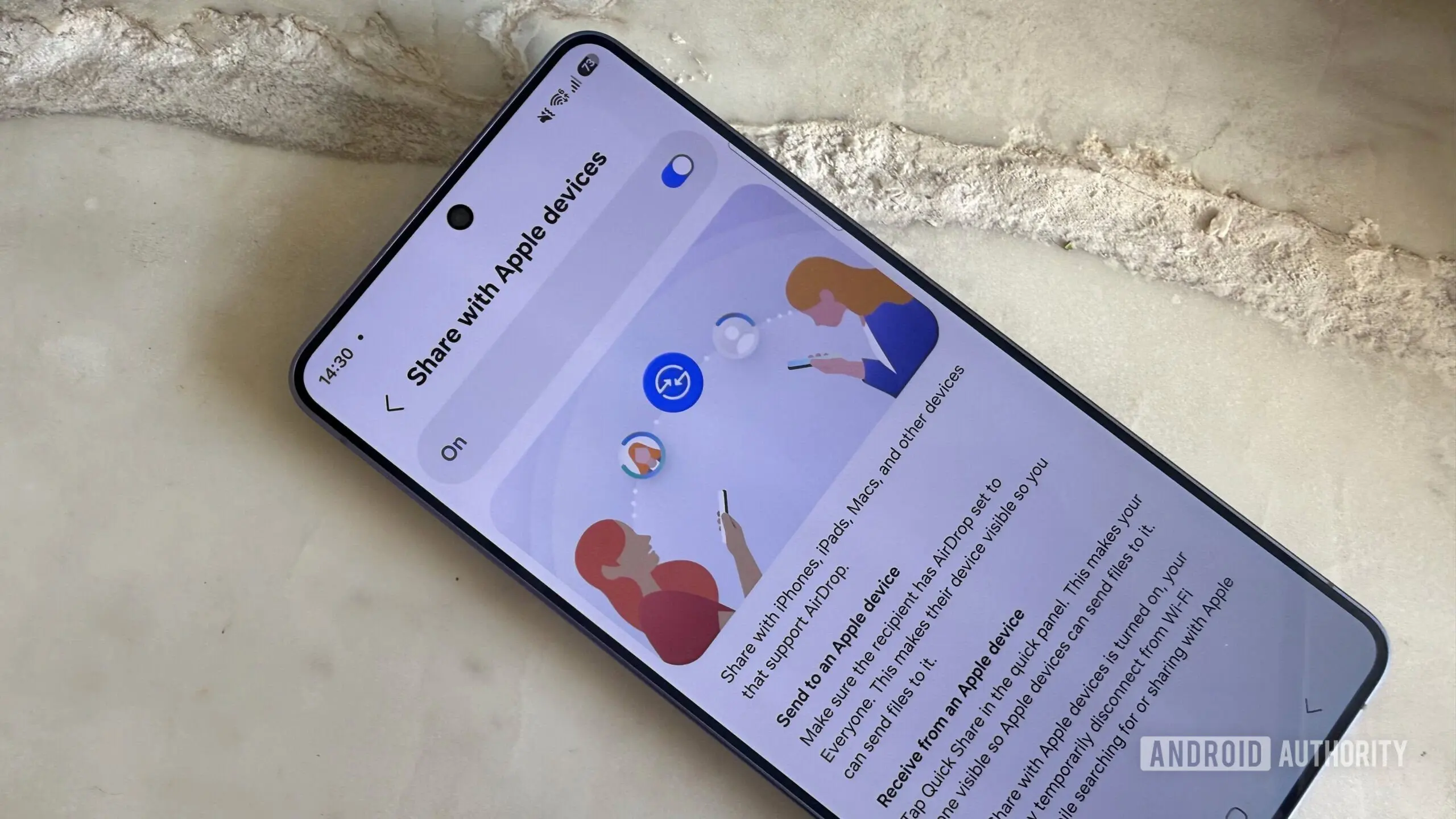
The most effective immediate mitigation is to limit the visibility of your device. Both AirDrop and Quick Share offer three visibility settings: Receiving Off, Contacts Only, and Everyone. The default for many users is either Contacts Only or Everyone (depending on the device and software version). Setting the option to Contacts Only reduces the attack surface because the device will only respond to requests from known contacts (whose phone numbers or email addresses are in the user's address book). Turning receiving off altogether eliminates the risk entirely, but at the cost of convenience.
To change these settings on an iPhone or iPad, go to Settings > General > AirDrop and select Contacts Only or Off. On Android, open the Quick Share settings (usually found in the Notification Shade or under Settings > Connected Devices > Connection Preferences > Quick Share) and set Device Visibility to Contacts Only or Hide. For Windows users with Quick Share installed, the application settings offer similar options. Additionally, turning off Bluetooth and Wi-Fi when not in use can prevent the background services from even being triggered, though this also disables other features like location services or smart home connections.
Ongoing Patches and Recommendations
Both Apple and Google have been informed of the vulnerabilities through coordinated disclosure. Apple has already rolled out a fix for the null pointer dereference in one of the AirDrop bugs. Google has updated its Windows Quick Share client to address the memory corruption issue. The remaining three vulnerabilities—two in Samsung's Quick Share implementation and one in Apple's handshake process—are still being patched. Users should ensure their devices are updated to the latest operating system versions as soon as patches become available.
In the meantime, security experts recommend staying vigilant about what you share over proximity-based services. Because these features are designed for convenience, they often bypass standard security checks like password prompts or biometric verification. The CISPA researchers have suggested that future versions of these features should incorporate a mandatory authentication step before the background services expose any sensitive functionality. Until that happens, users must take personal responsibility for their device's security. Changing your visibility settings now takes only a few seconds and can prevent a frustrating attack from disrupting your day.
The broader lesson from this research is the inherent tension between usability and security in modern consumer technology. Companies like Apple and Google have spent years refining their proximity sharing experiences to be as effortless as possible. However, as the CISPA study shows, each layer of convenience added to these services also adds a new potential entry point for attackers. While major software companies have become faster at releasing patches, the window of vulnerability still exists between the discovery of a bug and its fix. For users of billions of devices, a few minutes spent adjusting settings today can save hours of frustration tomorrow.
Source: Android Authority News